Chapter 4 · concept 3 of 6 · show all
2Tokens, cost and your first RAG
4Chunking
- 4.1Why we chunk, and the main chunking strategies
- 4.2Structure aware chunking and tables
- 4.3Chunk size, overlap and token based sizing
- 4.4Contextual chunking and late chunking
- 4.5Parent child and multi representation indexing
- 4.6Chunk metadata, provenance and the chunking debugging playbook
- Chapter overview
7Finding the right chunks
8When retrieval fails
Chunk size, overlap and token based sizing
How big each piece of a document should be, why you measure it in tokens, and how to find the right size with a number instead of a guess.
A real question
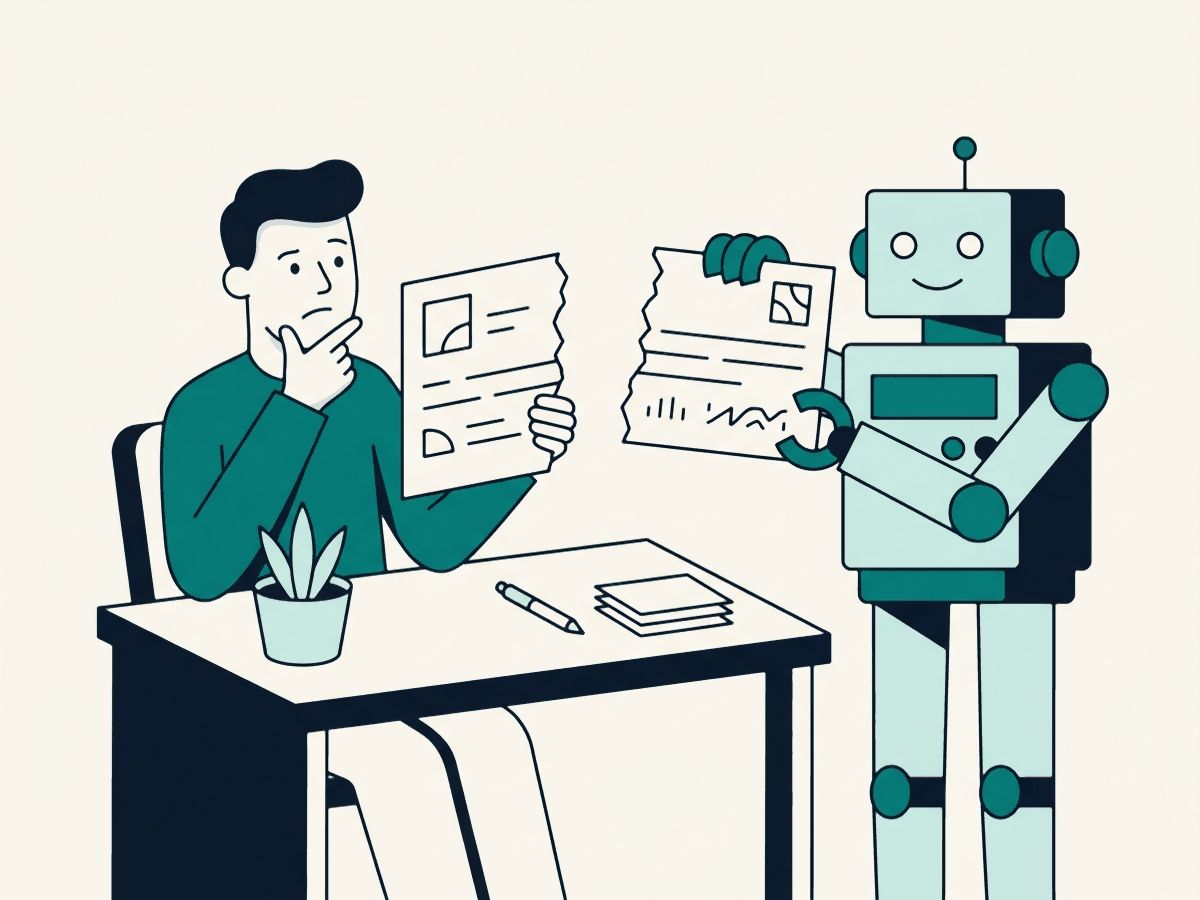
Why does my RAG answer only half right, even though the answer is in the document?
Often because the answer was cut in half when the document was split into pieces. Pick the piece size by measuring, not by habit.
The problem
Why this matters
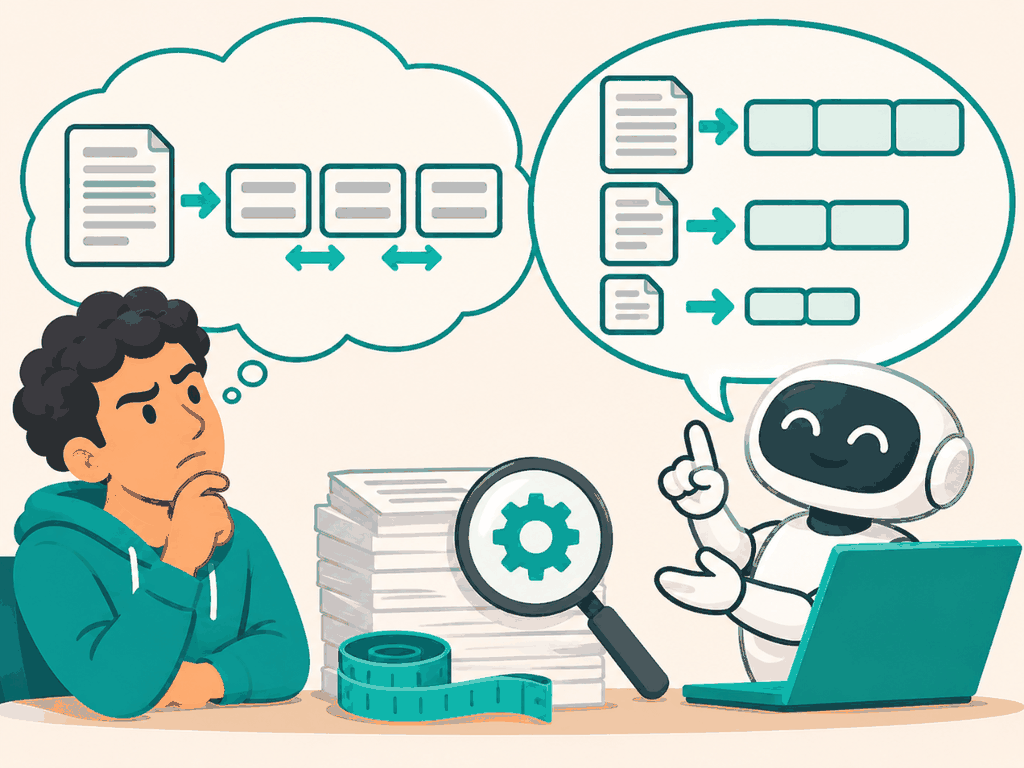
Pick one size, say 1,000 characters, and use it for every document. Bigger overlap is always safer.
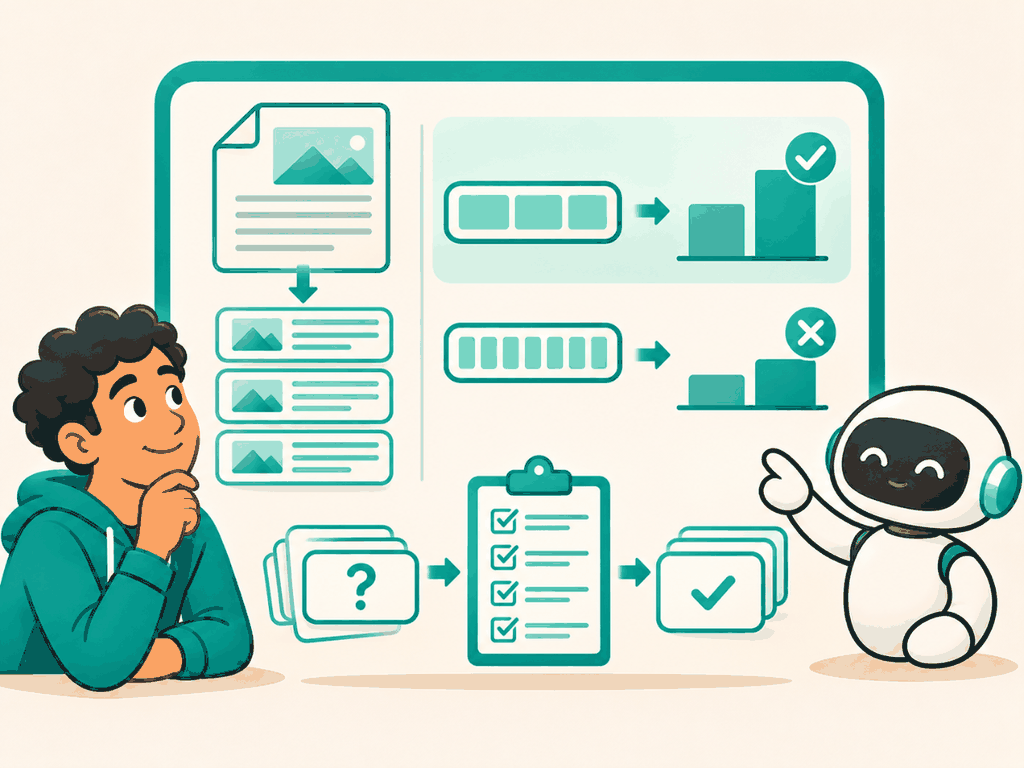
Size pieces in tokens, keep one idea per piece, and test sizes on questions with known answers. On our documents, 512 tokens beat 128, and overlap made results worse.
Why not the simpler way
The first thing most people try is one fixed size for everything, often 1,000 characters, because a tutorial used it. It works in a demo. On real documents it cuts tables in half and splits the one sentence that answers the question across two chunks, so neither chunk is a good match.
The idea
The idea in plain words
A chunk is the piece of text the search can return. Too small, and a chunk holds half an answer. Too big, and the answer is buried among unrelated text, so it ranks lower and costs more tokens in the prompt.
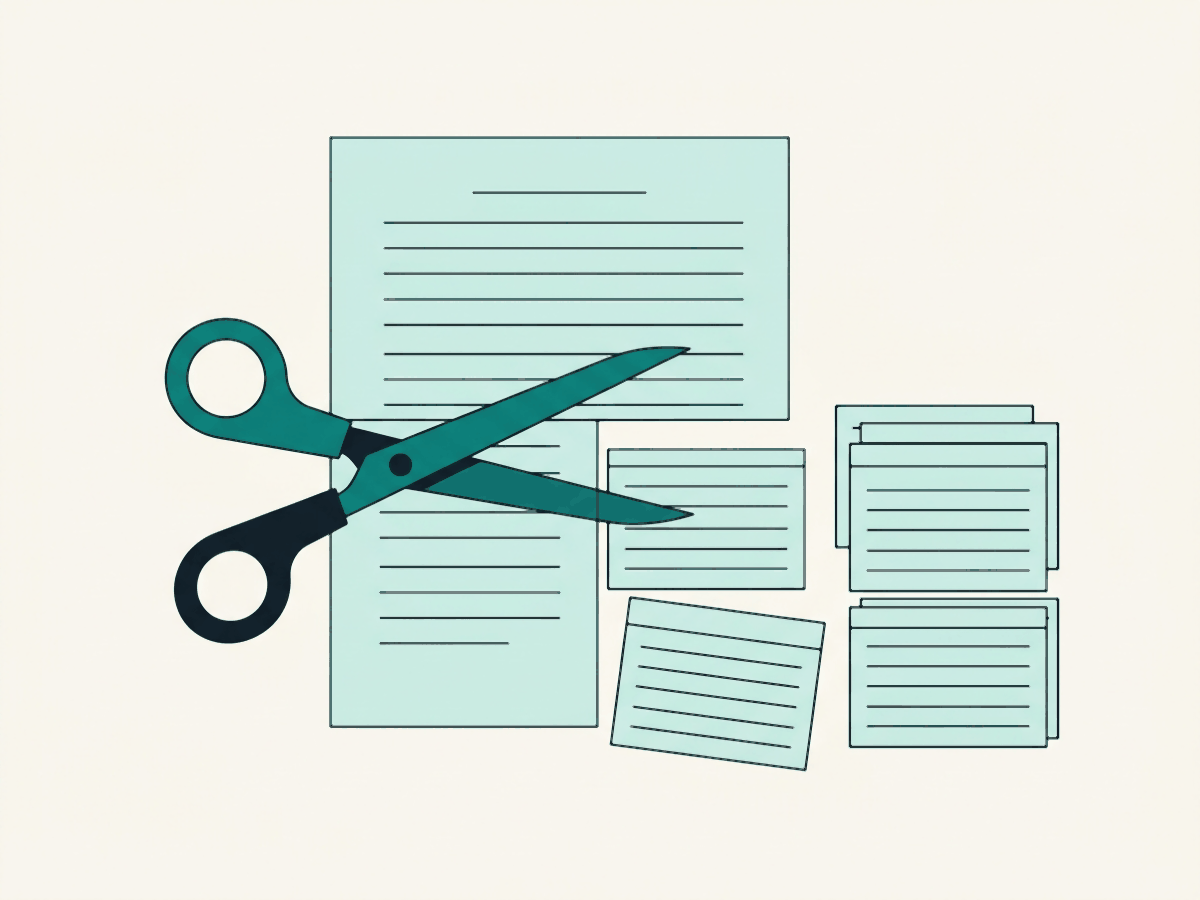
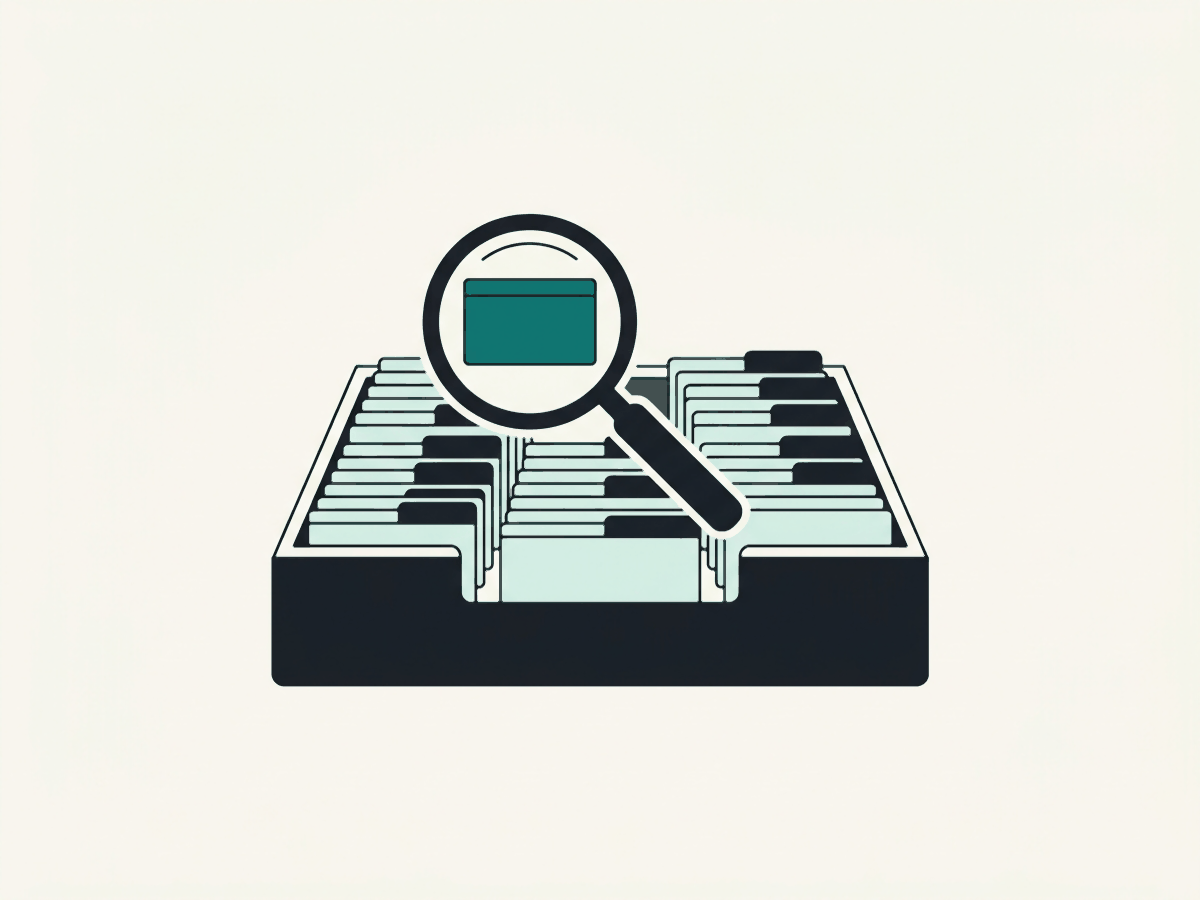
Think of index cards for a talk. One word per card is useless; the whole speech on one card is unreadable. You want one idea per card.
How it works
Step by step
 1
Cut the document into cards
Every manual is split into pieces called chunks. Where the cuts land decides what search can find later.
 2
The question picks the closest card
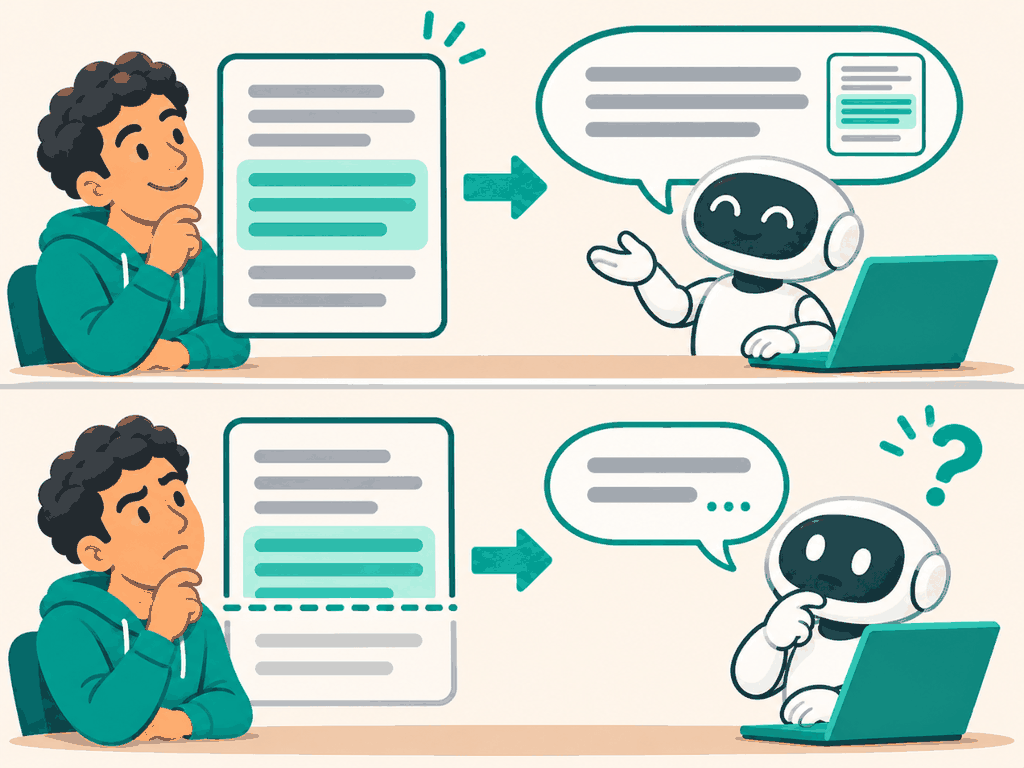
Search compares the question with every chunk and returns the best few. It can only return a card, never half of two.
 3
The model answers from that card
If the card holds the whole answer, the reply is right and can cite it. If the answer was cut, the model sees only part of it.
In detail
Measure chunks in tokens, not characters or words. The embedding model has a token limit, and the prompt budget is in tokens. On our documents a word is 1.39 tokens on average (Part 1), but code, numbers and other languages break that rule.
Overlap repeats the last few tokens of one chunk at the start of the next, so a sentence on a boundary appears whole in at least one chunk. It also adds near-duplicate chunks that can crowd the top results.
The code
Try it in Python
import tiktoken
enc = tiktoken.get_encoding("o200k_base")

def fixed_chunks(text, size=512, overlap=0):
    ids = enc.encode(text)
    step = size - overlap
    return [enc.decode(ids[i:i + size]) for i in range(0, len(ids), step)]
See it
What we measured
Measured · evidence recall@3
25 Polder documents, 47 golden questions with a known answer passage, bge-small-en-v1.5 embeddings, vector search only. A hit counts only when a top 3 chunk holds the whole answer, which favours bigger chunks: a 128 token chunk often holds only part of it.
Measured 2026-11-04 with corpus/scripts/precompute.mts. Overlap did not help here: the near-duplicates pushed better chunks out of the top 3. Chunks are sized with the o200k tokenizer, but the embedder counts its own WordPiece tokens and drops anything past 512. One FiberBox chunk was 520 of them, so the evidence for g-02 and g-07 was never embedded. Every chunk over the limit is now split again with the embedder's own count (corpus/scripts/precompute.mts); 1024 sizes are left as they are, so their rows include the cost of truncation.
Try it on a real document
A customer asks: “Should I reset the router when the power light is solid red?”
FiberBox manual · 5. Restart and reset
Release the button. The router restarts with factory settings. The default Wi-Fi name and password are printed on the sticker under the router. After a reset, the router downloads its login profile automatically, which can take up to ten minutes. Do(chunk boundary)not reset a router that shows a solid red power light. A reset cannot fix a hardware fault and may make it harder for support to read the fault log.
↑ the cut lands between “Do” and “not”
What search returns (top 3)
- 1.chunk #13 · 0.868not reset a router that shows a solid red power light. A reset cannot fix…–
- 2.chunk #3 · 0.747. If still red, call support | Fibre | Solid green | …–
- 3.chunk #2 · 0.7427.3.0 are no longer supported and should be updated first…–
The best match starts in the middle of the sentence. The word “Do” was left behind in the previous chunk, which is all about how to reset. No chunk in the top 3 holds the whole warning.
Choosing
Use it when, avoid it when
- Most prose: start at 256 to 512 tokens and measure
- Long policy or manual sections with clear headings: split by structure first
- Tables and code: a fixed window breaks rows and functions; split by structure
- Very short documents: one chunk per document is often best
What it costs · Smaller chunks mean more vectors to store and more chunks needed to cover one answer; bigger chunks mean more prompt tokens per answer.
In production
Pick the size with a golden set: questions with a known answer passage. Count how often a top 3 chunk contains the whole answer. That single number turns a style debate into a measurement.
Watch out
Common mistakes
- More overlap is always safer. It adds duplicates that crowd out better chunks, as the numbers above show.
- The model limit is the right size. An 8,000 token embedding limit says what fits, not what retrieves well.
Check yourself
Remember this
Remember these
- Measure chunk size in tokens, the unit models count in.
- Too small splits answers; too large buries them and costs more.
- Test sizes with questions whose answer passage you know: here 128 tokens found 36 of 47, 512 found 43.
- Overlap is not free: near-duplicate chunks pushed better ones out of the top 3.
Say it in an interview
- 01Chunk size decides what the search can return, so it caps answer quality.
- 02I size chunks with the embedding model's own tokenizer and check none pass its limit; a mismatch here once cut off the end of one chunk.
- 03I pick the size with a golden set and evidence recall, not by habit.
- 04On my corpus, 512 tokens beat 128 by 15 points; overlap did not help.
- 05Tables and code get structure-aware splitting instead of fixed windows.
Quick quiz