Chapter 3 · concept 1 of 6 · show all
2Tokens, cost and your first RAG
4Chunking
- 4.1Why we chunk, and the main chunking strategies
- 4.2Structure aware chunking and tables
- 4.3Chunk size, overlap and token based sizing
- 4.4Contextual chunking and late chunking
- 4.5Parent child and multi representation indexing
- 4.6Chunk metadata, provenance and the chunking debugging playbook
- Chapter overview
7Finding the right chunks
8When retrieval fails
Content sources and file formats
Where RAG content comes from, what each file format keeps or loses on the way in, and why the format decides how much work ingestion takes.
A real question
My documents are PDFs, wiki pages, spreadsheets and scans. Can RAG just read them all?
Each format hides its text and structure differently. Before anything can be searched, every source has to become clean text with its structure and metadata.

The problem
Why this matters
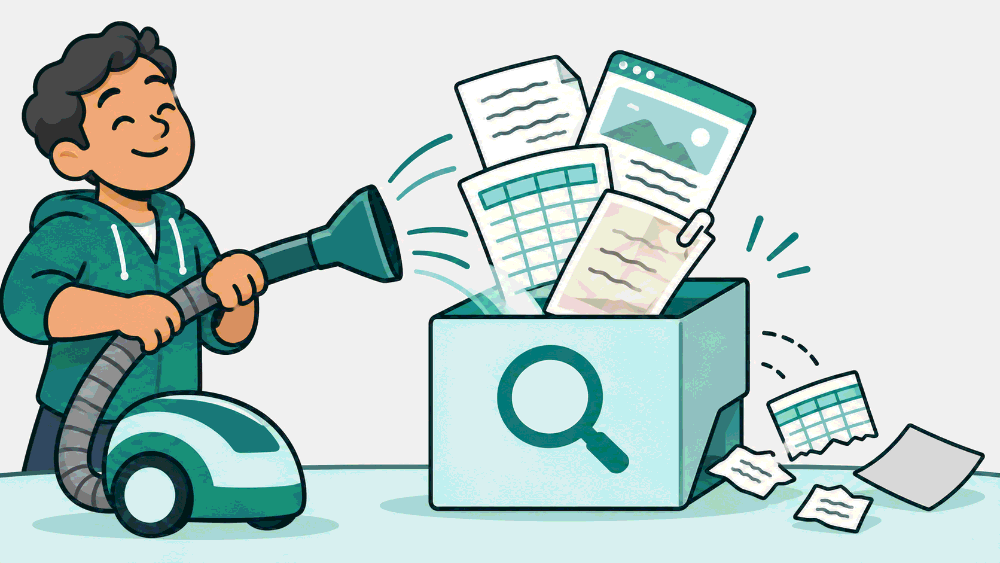
Point a loader at the folder, and everything inside becomes searchable.
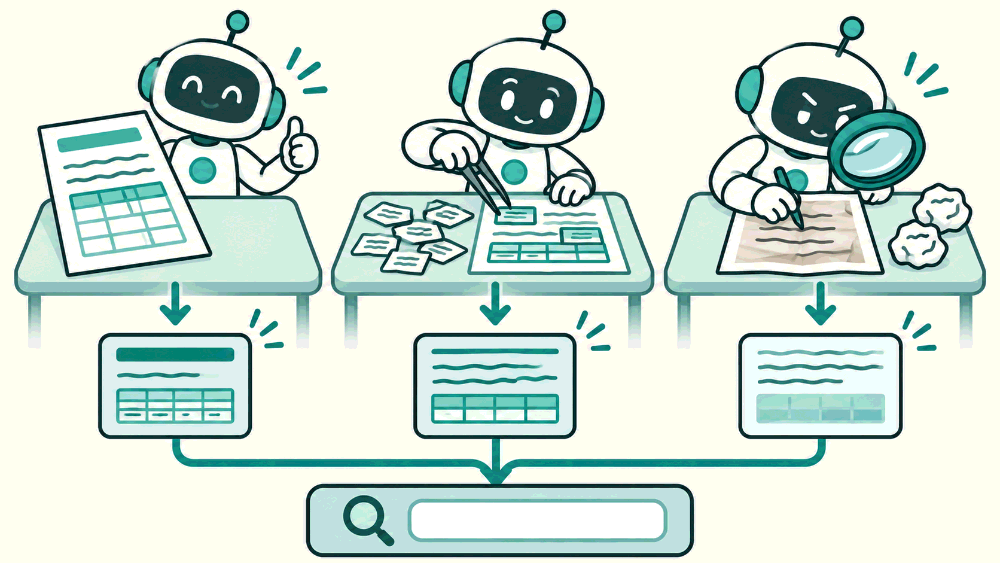
Markdown and HTML say where headings and tables are. A PDF only stores letters at positions. A scan is a picture. Each needs different work, and whatever is lost here never reaches search.
Why not the simpler way
The simple start is "point the loader at a folder". That works for clean text. Real knowledge sits in PDFs with two columns, scanned forms, wiki pages full of navigation, spreadsheets, slide decks and ticket systems. Each format hides its content differently, and whatever the loader drops never reaches search. Many "retrieval failures" are content that was never ingested properly.
The idea
The idea in plain words
Every source has to become clean text plus structure plus metadata before chunking. The format decides how hard that is. Markdown and HTML say where headings and tables are. Word files mostly do. Digital PDFs only store characters at positions, so structure has to be inferred. Scans store pixels, so even the characters have to be recognised.
It is like moving house. Labelled boxes go straight to the right room. A pile of loose items has to be sorted first, and some things get lost.
How it works
Step by step
 1
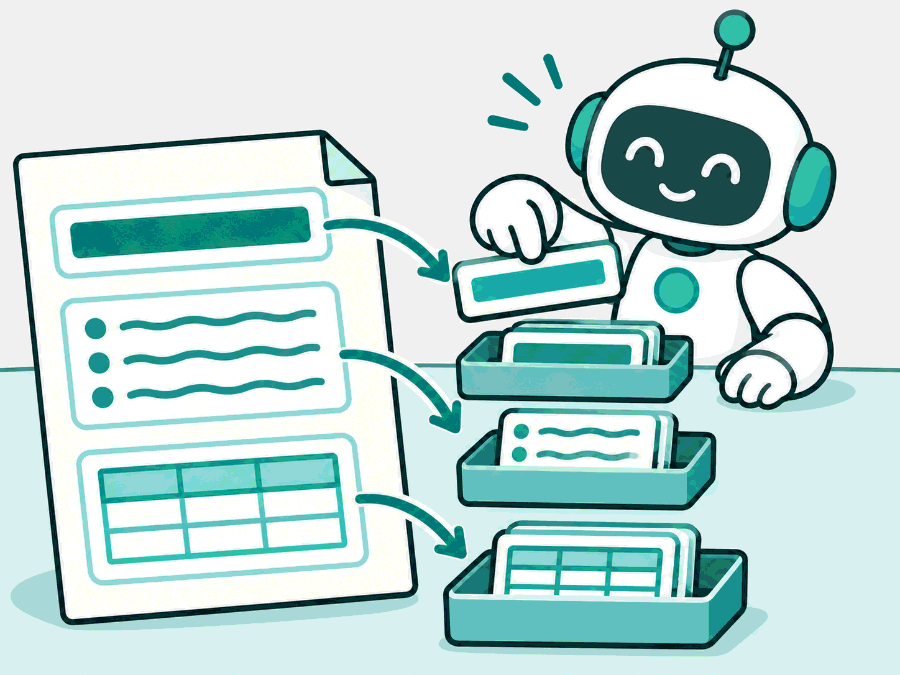
Structured text is the easy case
Markdown, HTML and Word files mark headings, lists and tables, so a parser can read the structure directly.
 2
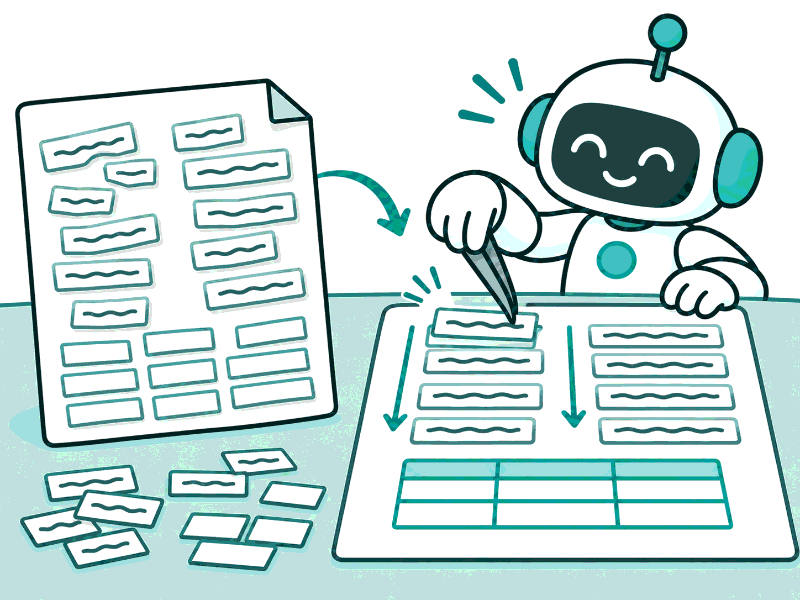
A PDF is a page, not a document
It stores characters at positions. Columns, headings and tables have to be worked out again.
 3
A scan is a picture
The letters must first be recognised (OCR), then the layout rebuilt. This is the most work and the most errors.
In detail
Sort sources by how much structure they carry:
- Structured text (markdown, HTML, wiki exports, docx): headings, lists and tables are explicit. Parse the markup.
- Digital PDF: text exists, but reading order, columns, headers and footers and tables must be reconstructed from positions.
- Scanned PDF and images: needs OCR first, then layout analysis.
- Spreadsheets and databases: already structured; often better queried directly than chunked.
- Systems (tickets, chat, CRM): need an API connector, access rules and incremental sync.
The code
Try it in Python
from pathlib import Path

LOADERS = {".md": "markdown", ".html": "html", ".docx": "docx", ".pdf": "pdf", ".png": "ocr"}

def inventory(root: str) -> dict[str, int]:
    """Count files per loader type, so you know where the parsing effort will go."""
    counts: dict[str, int] = {}
    for p in Path(root).rglob("*"):
        if p.is_file():
            kind = LOADERS.get(p.suffix.lower(), "unknown")
            counts[kind] = counts.get(kind, 0) + 1
    return counts
See it
What we measured
Measured · what the Polder corpus contains
corpus/polder, version 1, used by every lab on this site. All documents are synthetic.
Counted 2026-11-03. The corpus is deliberately clean so that the labs isolate chunking and retrieval. Parsing real PDFs is covered on RAG-08 and is not measured here.
Try it on a real example
The same part of the FiberBox manual, as two formats keep it
FiberBox manual, as stored in our corpus
| E1001 | Power unstable | Wrong or faulty adapter | Use the original 12 volt adapter |
The table structure is explicit: every value sits under a named column.
Choosing
Use it when, avoid it when
- An inventory of sources with format, volume, change rate and access
- Structured exports (markdown, HTML) when a system offers them
- One generic loader for every format
- Chunking spreadsheets that a database query would answer
What it costs · Parsing effort grows from markup to digital PDF to scans. Connectors to live systems add sync and access work.
In production
Inventory sources before building: format, volume, change rate, owner and access rules for each. Start with the source that answers the most questions with the least parsing effort. Keep the raw original next to the parsed text, so you can re-parse when your parser improves without fetching everything again.
Watch out
Common mistakes
- A PDF is a document. It is a page layout; the document structure has to be reconstructed.
- Ingestion is a one-off script. Sources change, so ingestion is a pipeline that runs again and again.
- If the loader ran without errors, the content is in. Silent drops are the norm: check what came out.
Check yourself
Remember this
Remember these
- Every source must become clean text, structure and metadata before chunking.
- Markup formats are easy; PDFs need layout recovery; scans need OCR first.
- Make an inventory: format, volume, how often it changes, who may see it.
- Our course corpus is clean markdown on purpose, so the labs isolate later steps.
Say it in an interview
- 01Every source must become clean text, structure and metadata before chunking.
- 02Markup carries structure; digital PDFs need layout recovery; scans need OCR first.
- 03I start with an inventory: format, volume, change rate, owner and access per source.
- 04Spreadsheets and databases are often better queried than chunked.
- 05I keep the raw original so I can re-parse when the parser improves.
Quick quiz